
How to Choose the Right Pixel Pitch (P1.2 to P4) Based on Viewing Distance
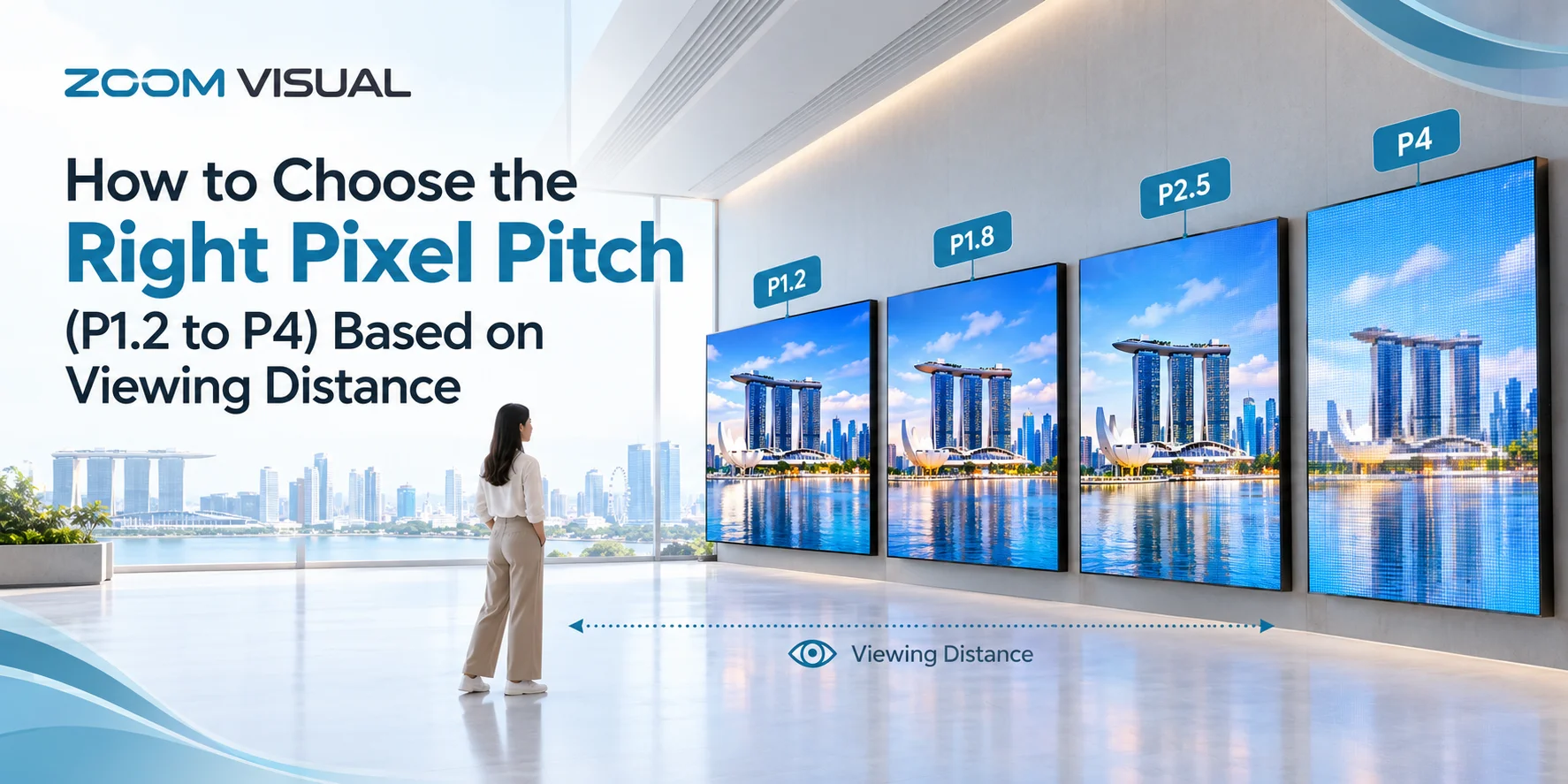
Choosing the right pixel pitch for a commercial LED display is one of the most critical decisions in any AV installation. Whether you are outfitting a high-tech corporate boardroom in Raffles Place or launching a outdoor retail facade on Orchard Road, getting the pixel pitch right ensures crisp image clarity while optimizing your total capital expenditure (CapEx).
Choosing the right pixel pitch for a commercial LED display is one of the most critical decisions in any AV installation. Whether you are outfitting a high-tech corporate boardroom in Raffles Place or launching a outdoor retail facade on Orchard Road, getting the pixel pitch right ensures crisp image clarity while optimizing your total capital expenditure (CapEx).
What Is Pixel Pitch and Why Does It Matter?
Pixel pitch (represented by “P”, such as P1.2 or P4) refers to the distance in millimeters from the center of one LED pixel to the center of the adjacent LED pixel.
- Smaller Pixel Pitch (e.g., P1.2, P1.5): Indicates higher pixel density, closer spacing, and higher overall resolution. Ideal for close-range viewing.
- Larger Pixel Pitch (e.g., P2.5, P3, P4): Indicates lower pixel density and wider spacing. Best suited for medium-to-long viewing distances and larger screen sizes.
Select a pitch that is too large, and viewers close to the screen will suffer from pixelation (the “screen-door effect”). Select a pitch that is unnecessarily small, and you will pay a steep premium for resolution that human eyes cannot discern from a distance.
The Core Rule: Determining Optimal Viewing Distance
The golden rule for evaluating LED display resolutions is straightforward: 1 millimeter of pixel pitch corresponds to roughly 1 meter of minimum viewing distance.
Minimum Viewing Distance (m) = Pixel Pitch (mm)
For optimal image crispness and high-definition clarity (where individual pixels blend seamlessly), refer to the standard industry viewing benchmarks below:
| Pixel Pitch | Pitch Distance | Minimum Viewing Distance | Optimal HD Viewing Distance | Primary Application / Use Case |
|---|---|---|---|---|
| P1.2 | 1.25 mm | 1.2 meters (~4 ft) | 2.5 meters (~8 ft) | Control rooms, executive boardrooms, broadcast studios |
| P1.5 / P1.6 | 1.53 – 1.66 mm | 1.5 meters (~5 ft) | 3.0 meters (~10 ft) | Luxury retail showrooms, museum exhibits, corporate lobbies |
| P1.8 / P2.0 | 1.87 – 2.0 mm | 2.0 meters (~6.5 ft) | 4.0 meters (~13 ft) | Conference auditoriums, high-end F&B venues, indoor event stages |
| P2.5 | 2.5 mm | 2.5 meters (~8 ft) | 5.0 meters (~16 ft) | Mall concourses, church main halls, large retail feature walls |
| P3.0 / P4.0 | 3.0 – 4.0 mm | 3.0 – 4.0 meters (~10–13 ft) | 6.0 – 8.0 meters (~20–26 ft) | Outdoor building facades, transit hubs, outdoor mobile kiosks |
Deep Dive: Selecting the Right Pitch for Your Industry
1. Ultra-Fine Pitch (P1.2 to P1.5) — High-Precision Environments
- Best For: Command centers, TV broadcast suites, and executive boardrooms requiring crisp text readability (e.g., spreadsheet data, CAD drawings, video conferencing).
- Key Advantage: Compatible with Fine Pitch and COB (Chip-on-Board) technology, providing high contrast, low glare, and impact resistance for close-quarters interaction.
2. Standard Fine Pitch (P1.8 to P2.0) — Premium Commercial Spaces
- Best For: Luxury retail stores, hotel lobbies, and indoor event venues where foot traffic passes within 2 to 4 meters of the screen.
- Key Advantage: Strikes the optimal balance between high-definition visual performance and cost efficiency for indoor commercial spaces.
3. Medium Pitch (P2.5 to P4.0) — High-Impact Public & Outdoor Screens
- Best For: Shopping mall atrium walls, elevated outdoor billboards, and large church auditoriums where viewers are situated further away.
- Key Advantage: Lower cost per square meter, allowing businesses to install massive video walls within reasonable budget parameters.
Key Technical Factors Beyond Viewing Distance
When selecting your LED pixel pitch with Zoom Visual, consider these additional engineering factors:
- 1. Native Resolution Requirements: If your source content is 1080p (Full HD) or 4K, your screen must contain enough physical pixels to match the aspect ratio without scaling distortion. A smaller pixel pitch achieves 4K resolution in a smaller physical wall size.
- 2. Surface Protection & Durability (GOB Technology): For high-traffic areas or interactive setups (such as the Foldable DJ counters GOB LED Display or the LED Podium Display), pairing your pitch choice with GOB (Glue-on-Board) technology provides dust-proof, moisture-proof, and anti-collision protection.
- 3. BCA & URA Compliance (Outdoor Installations): Outdoor screens in Singapore (P3 to P10) require careful planning regarding brightness levels, structural safety, and regulatory permits.
Ready to Upgrade Your Visual Display?
Selecting the correct pixel pitch prevents overspending while delivering an uncompromised visual experience for your audience.
Planning an LED installation in Singapore? Contact Zoom Visual for a complimentary site assessment and customized layout design.
Tags:
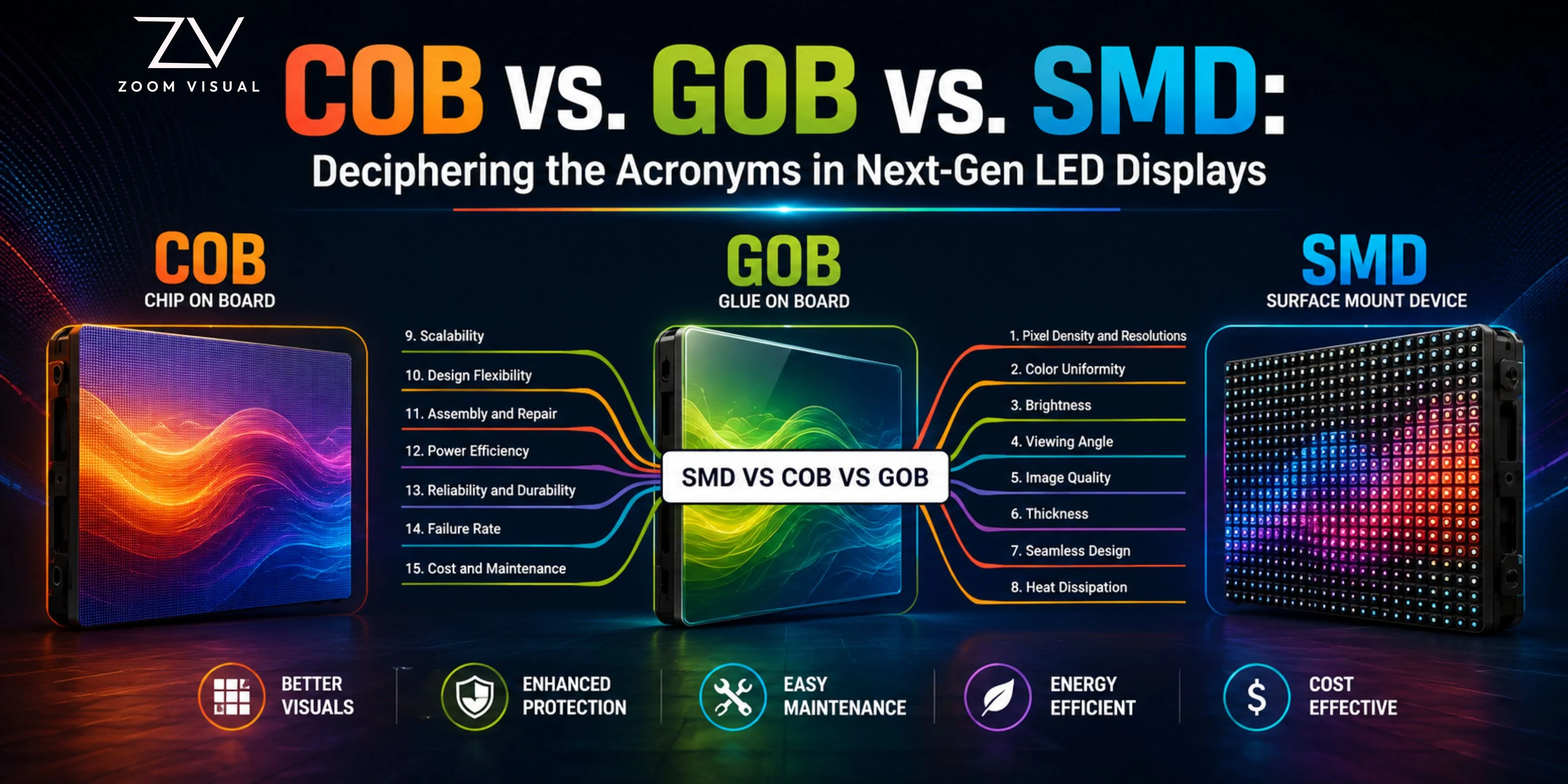
When investing in a commercial LED display in Singapore, whether for a retail outlet on Orchard Road, an executive boardroom in Raffles Place, or a nightlife stage in Clarke Quay, you will quickly run into industry jargon like SMD, GOB, and COB. While all three technologies deliver vibrant visuals, they differ significantly in durability, pixel […]
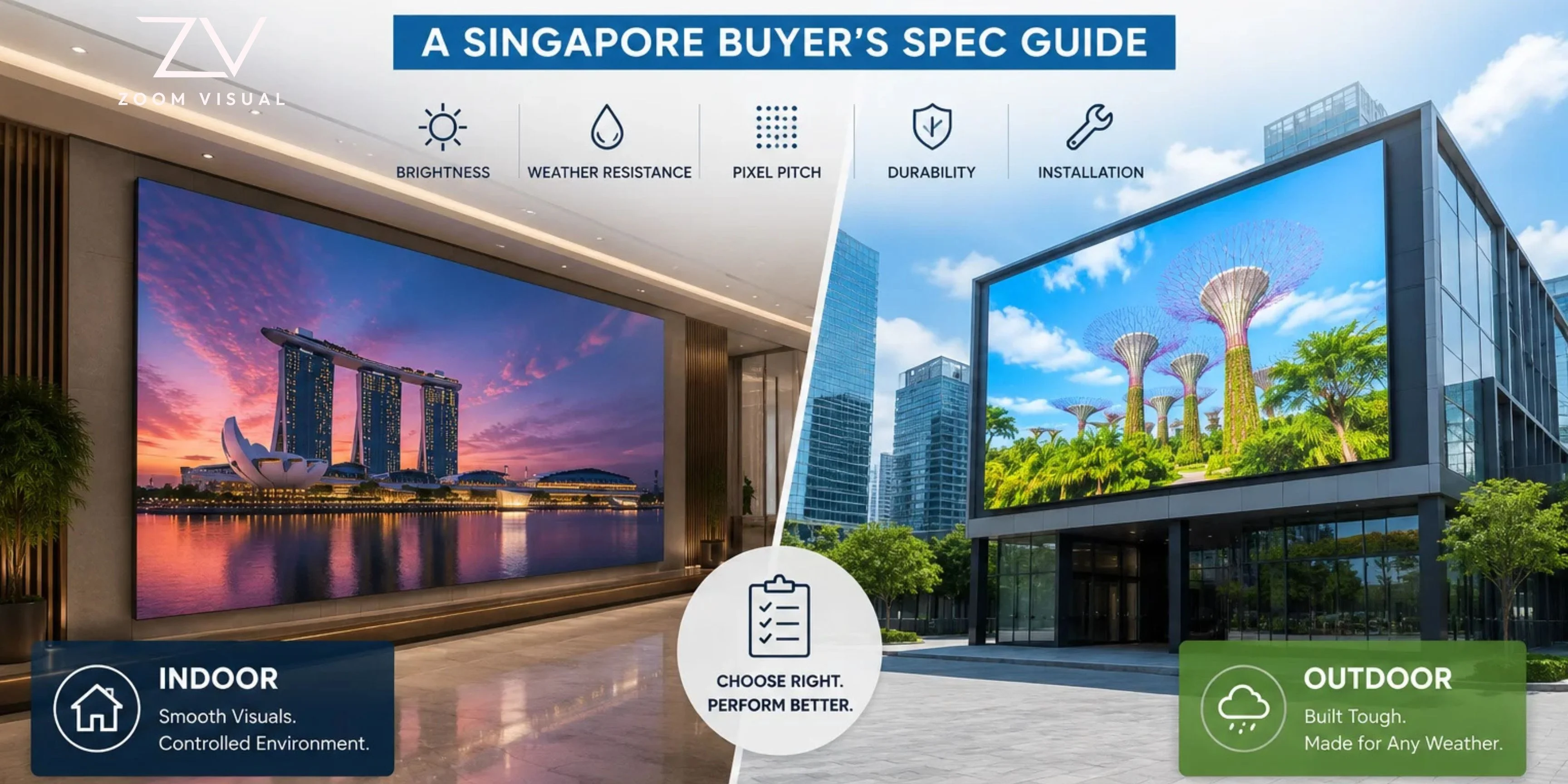
Whether you are designing an executive boardroom in Raffles Place, creating an immersive retail feature wall in Orchard Road, or planning a building-facade billboard in Jurong, choosing between an indoor and an outdoor LED video wall comes down to specific engineering requirements. While both technologies use modular LED cabinets to build seamless, large-format screens, their […]
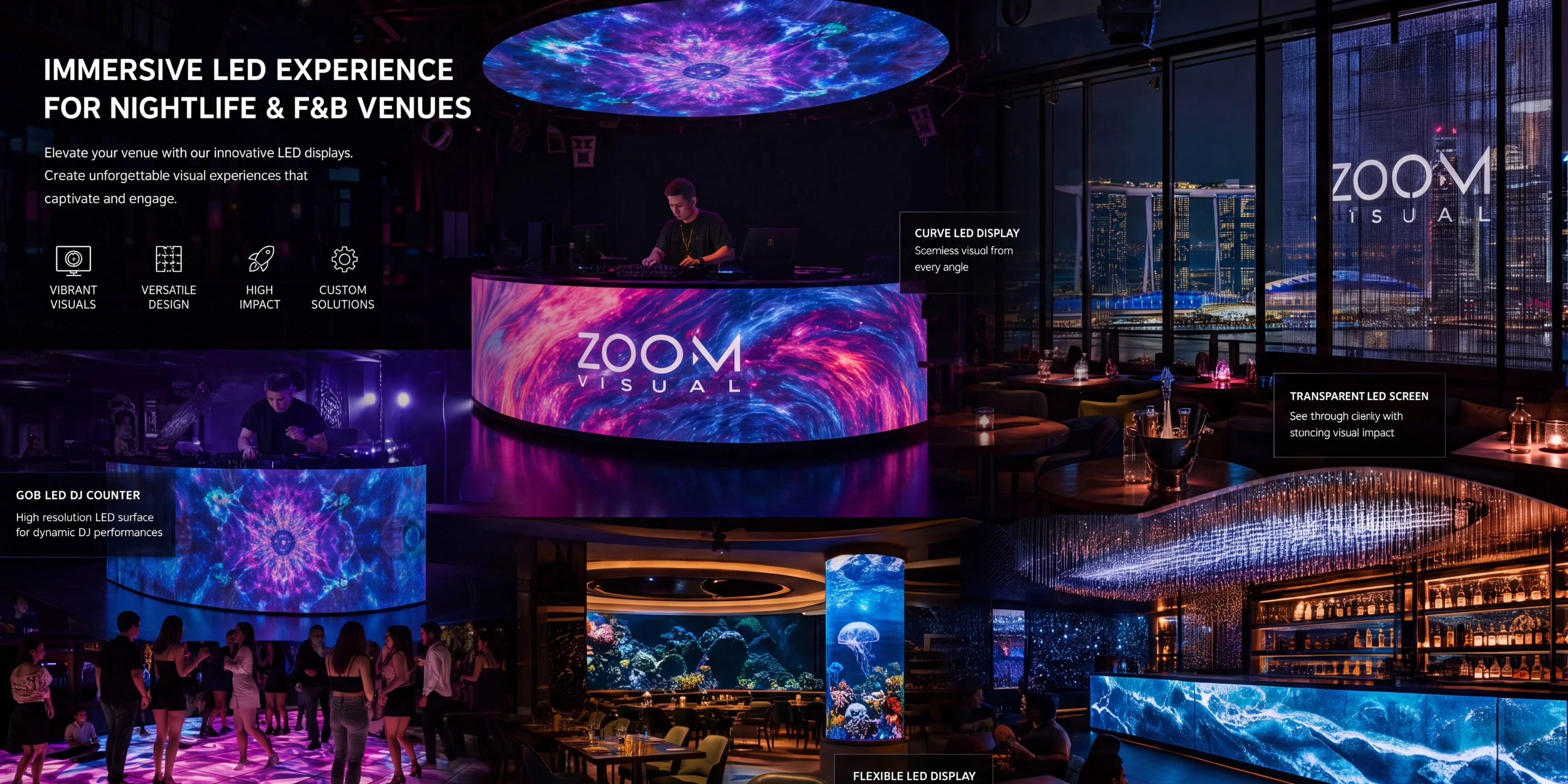
From the bustling, neon-lit alleys of Clarke Quay to the upscale, hidden speakeasies of Tanjong Pagar, Singapore’s nightlife and food & beverage (F&B) scenes are notoriously competitive. With hundreds of venues vying for the attention of locals, expats, and tourists alike, great food and curated drinks are no longer enough to guarantee a packed house. […]
Error: Contact form not found.
Get a quote Now!
Whether you have a question about our services, pricing, or anything else, our team is ready to answer all your questions!